
HIPAA-Compliant Data Destruction: A Practical Guide for Healthcare Providers
Every retired laptop, server, tablet, copier, and phone that retained patient records holds potentially-retrievable data until someone sanitizes or destroys its storage.

Lexington Computer Recycling is a NAID AAA-certified data destruction and ITAD provider that has served businesses and healthcare facilities since 2016.
Our guide is here to walk compliance officers, practice managers, and hospital IT leaders through what the HIPAA requires for disposal, what auditors check, and how we can help.
What HIPAA-Compliant Data Destruction Means Under the Security Rule
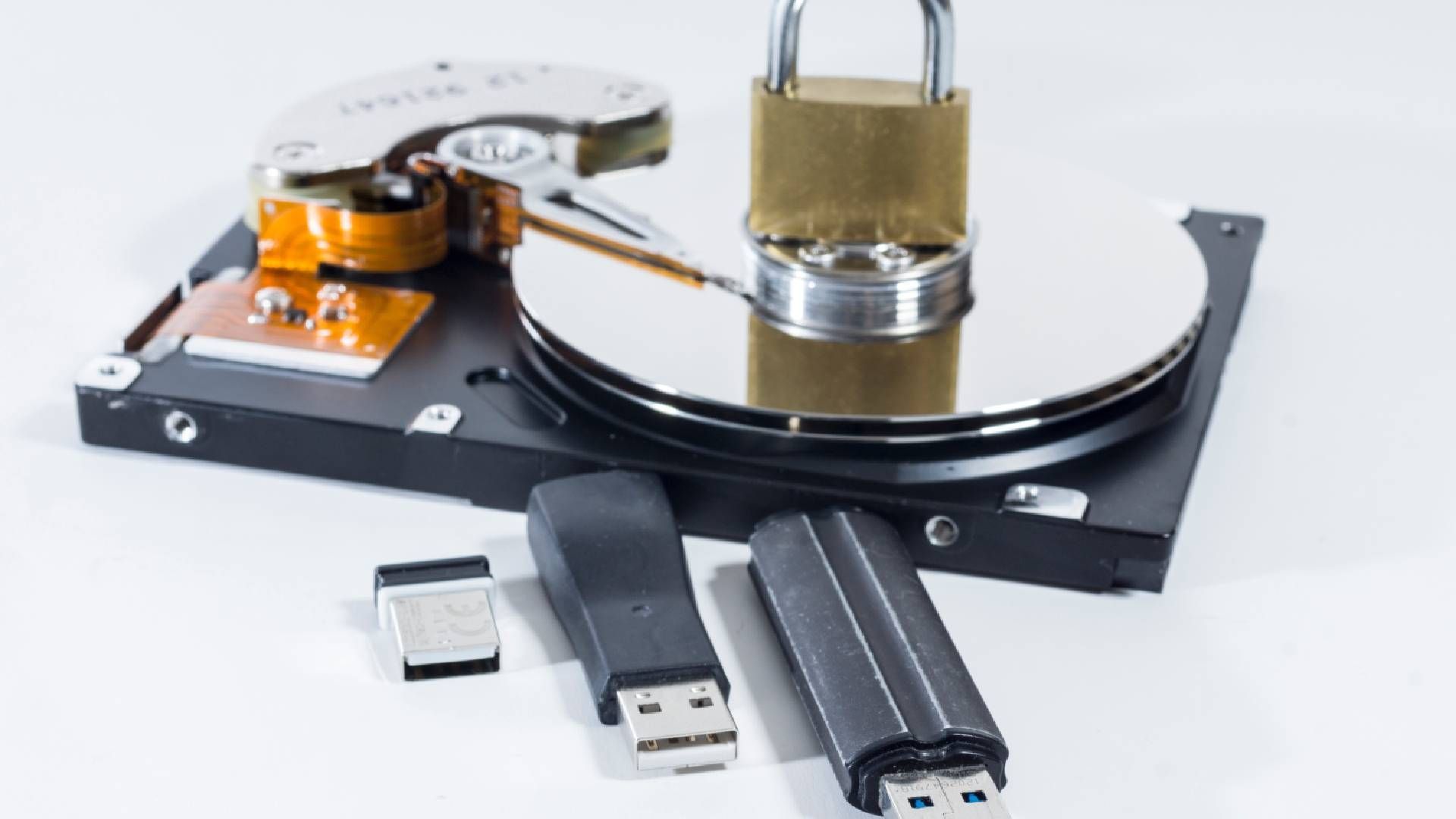
The HIPAA Security Rule requires healthcare organizations and their vendors to protect electronic protected health information (ePHI), which is any patient health information created, stored, or sent in electronic form. The device and media controls standard at 45 CFR 164.310(d) governs how the hardware and electronic media that hold ePHI, such as computers, servers, hard drives, SSDs, and USB drives, are moved, reused, and discarded. It includes two required implementation specifications, meaning steps you must carry out.
- Disposal calls for policies and procedures covering the final disposition of ePHI and of the hardware or media that stores it.
- Media re-use calls for removing ePHI before a device goes back into service.
- The standard also includes an addressable specification, accountability, which you must either implement or replace with a documented, equally effective alternative. It asks you to keep a record of where hardware and media go and who moved them.
Every workforce member who handles old computers or media should know your written disposal steps and follow them. Keep a simple training record showing who was trained and when, in case an auditor from the HHS Office for Civil Rights (OCR), the agency that enforces HIPAA, asks for it.
HIPAA-Compliant Computer Disposal Methods HHS Accepts
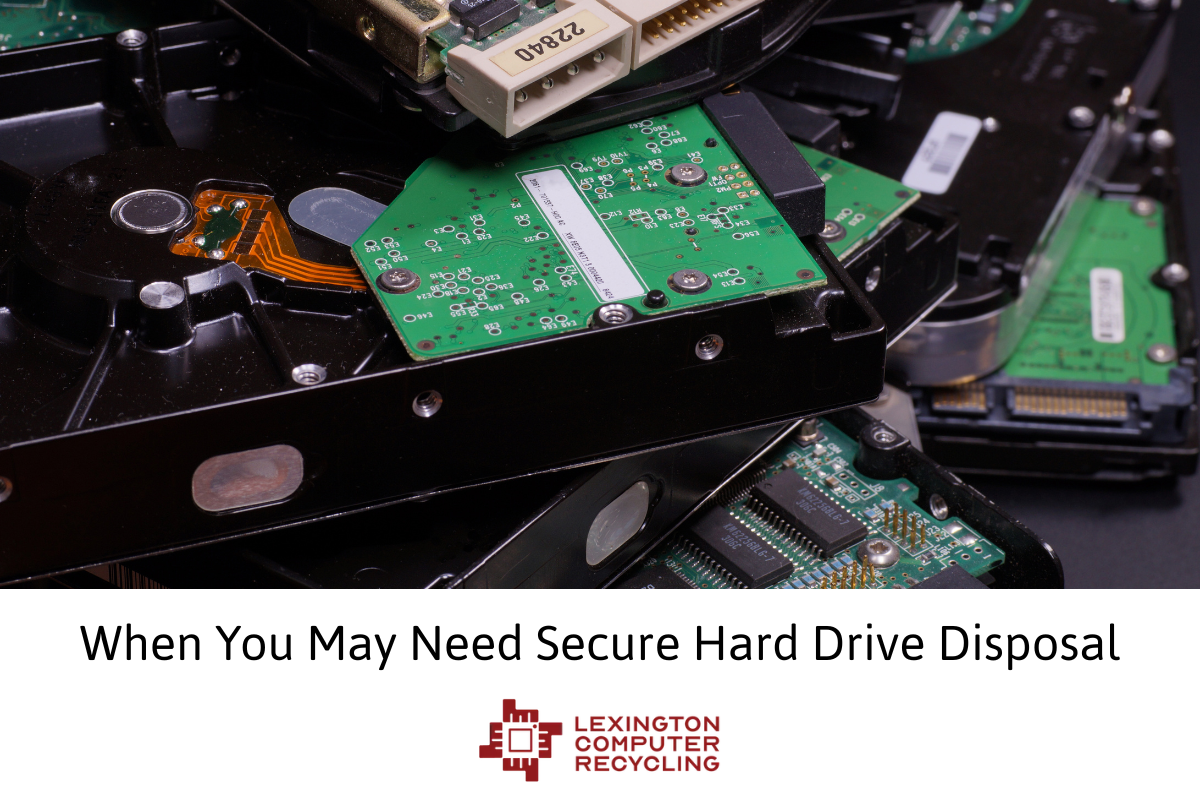
HHS lists three acceptable disposal methods for electronic media. Clearing overwrites the drive with non-sensitive data; purging exposes magnetic media to a strong magnetic field; and destruction involves thoroughly shredding, disintegrating, pulverizing, melting, or incinerating your media.
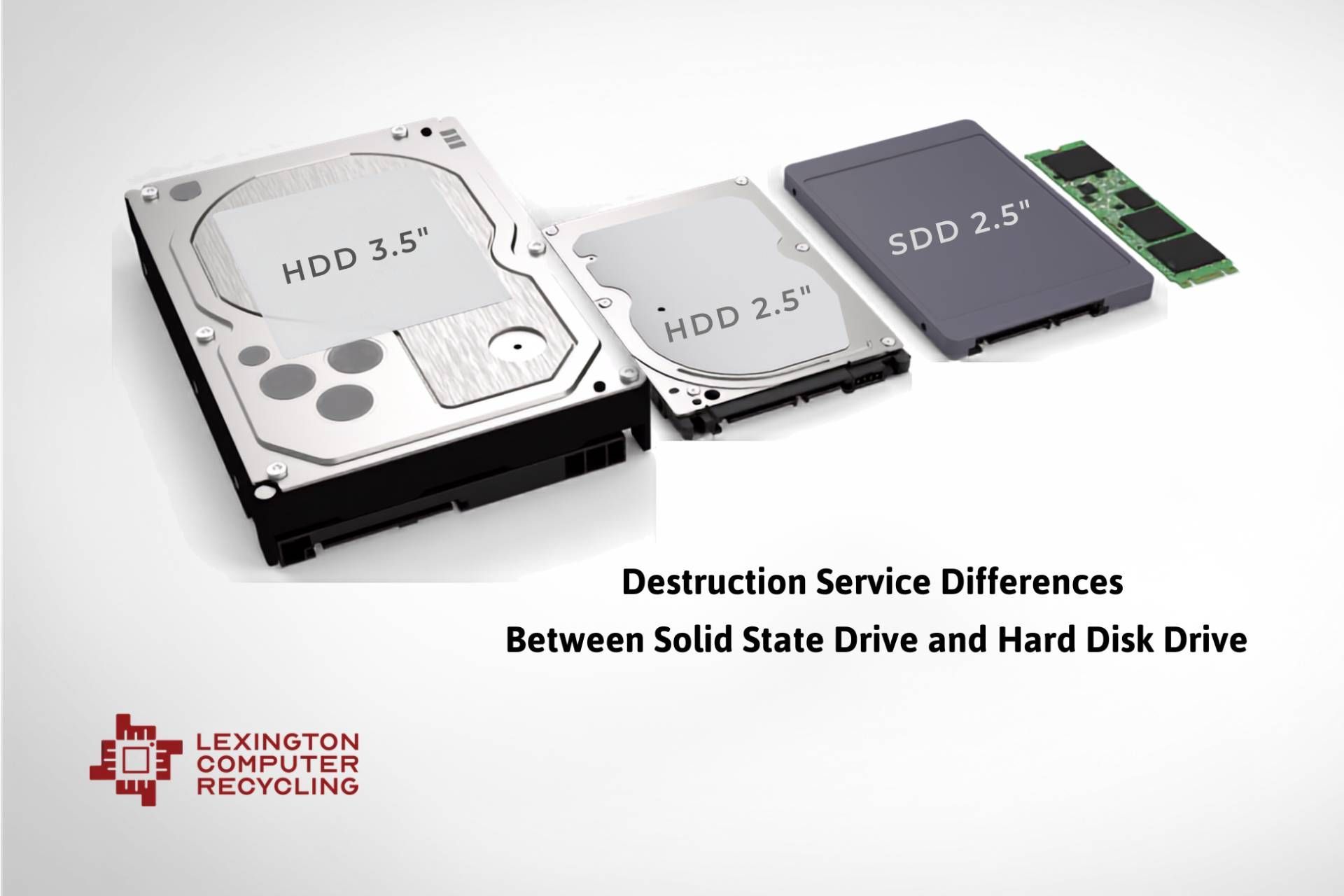
Physical destruction is the most direct way to retire an SSD that is no longer going to be used.
ITAD Data Security Compliance Records for an OCR Audit
OCR’s audit protocol for disposal looks at how you manage and document sanitization, which staff members handle each step, how you verify the result, and which devices store ePHI.
Keep these records ready before an auditor or your own risk review asks for them:
- Keep a current inventory of every device type that stores ePHI, from servers to imaging equipment and phones.
- Write a disposal and media re-use policy that names who approves, sanitizes, and signs off on each device.
- Maintain a chain-of-custody log showing when each device left, who moved it, and where it went.
- File a certificate of destruction with serial numbers that match your asset records.
- Sign a business associate agreement with your disposal vendor, since HHS lets a vendor destroy PHI for you under a written contract to protect it.
Our NAID AAA certification covers hard drive, solid-state device, paper, and product destruction, and it renews through scheduled and unannounced audits.
US HIPAA-Compliant Data Destruction Services, Based in Kentucky
Lexington Computer Recycling can shred your drives on-site while your staff watches or pick up equipment with background-checked drivers in a DOT/FMCSA-compliant fleet and process it at our facility.
Each destruction job comes with a certificate of destruction for your compliance file upon request.
We serve healthcare organizations across the United States from our location in central Kentucky. Call (859) 300-3599 or fill out our online form to schedule a consultation and get a quote from our team.